
Ocerra offers optional quick filters that make it easy to track upcoming invoice due dates.
Available Filters: Quickly filter invoices due in 7 days, 14 days, or 30 days.
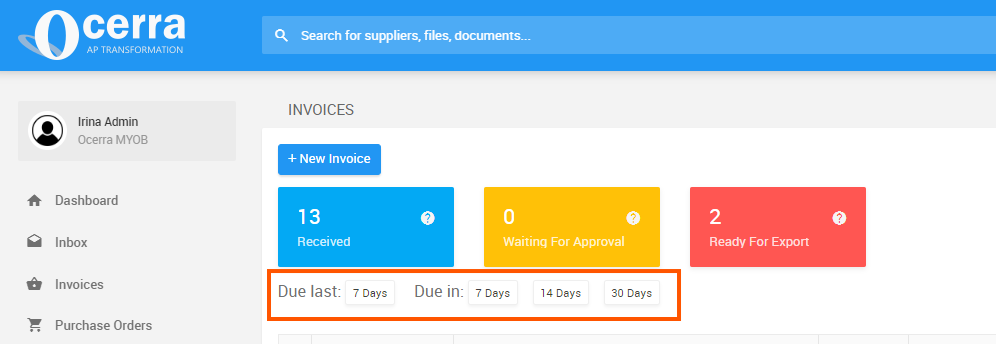
One-Click Access: Simply click the filter button to instantly view all invoices due within the selected timeframe.
How to Enable:
Go to General Settings.
Toggle on the Due Buttons on List parameter.
Click Save.
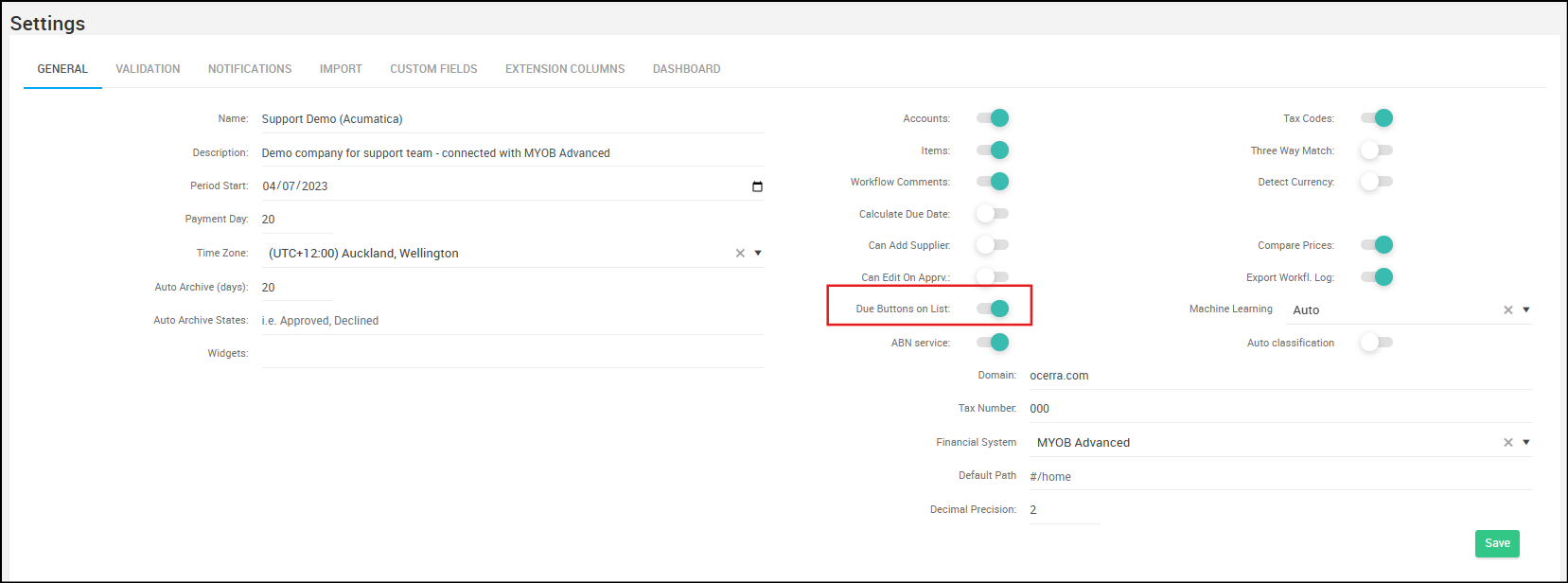
Learn more about the general settings page and its control parameters.