
Duplicate invoices — where the same bill is submitted more than once — can lead to accidental double payments, reconciliation errors, and cash-flow issues if not caught early. Ocerra includes built-in tools to help you detect and manage duplicates before they are exported to your accounting system.
What Is a Duplicate Invoice?
A duplicate invoice occurs when two or more invoice entries in the system refer to the same bill or transaction — often with the same invoice number and supplier name. These can result from:
The supplier submitting the same invoice more than once
Manual data entry errors
Multiple people uploading the same invoice PDF
Invoices received through different channels without central coordination
How Ocerra Detects Invoice Duplicates
Ocerra automatically highlights possible duplicates using intelligent logic based on:
✔ Invoice number
✔ Supplier name
If two invoices share both of these key fields, Ocerra flags them as duplicates so you can take action before payment.

Reviewing and Managing Duplicates
- When two invoices match on invoice number and supplier name, they are automatically highlighted in your invoice list.
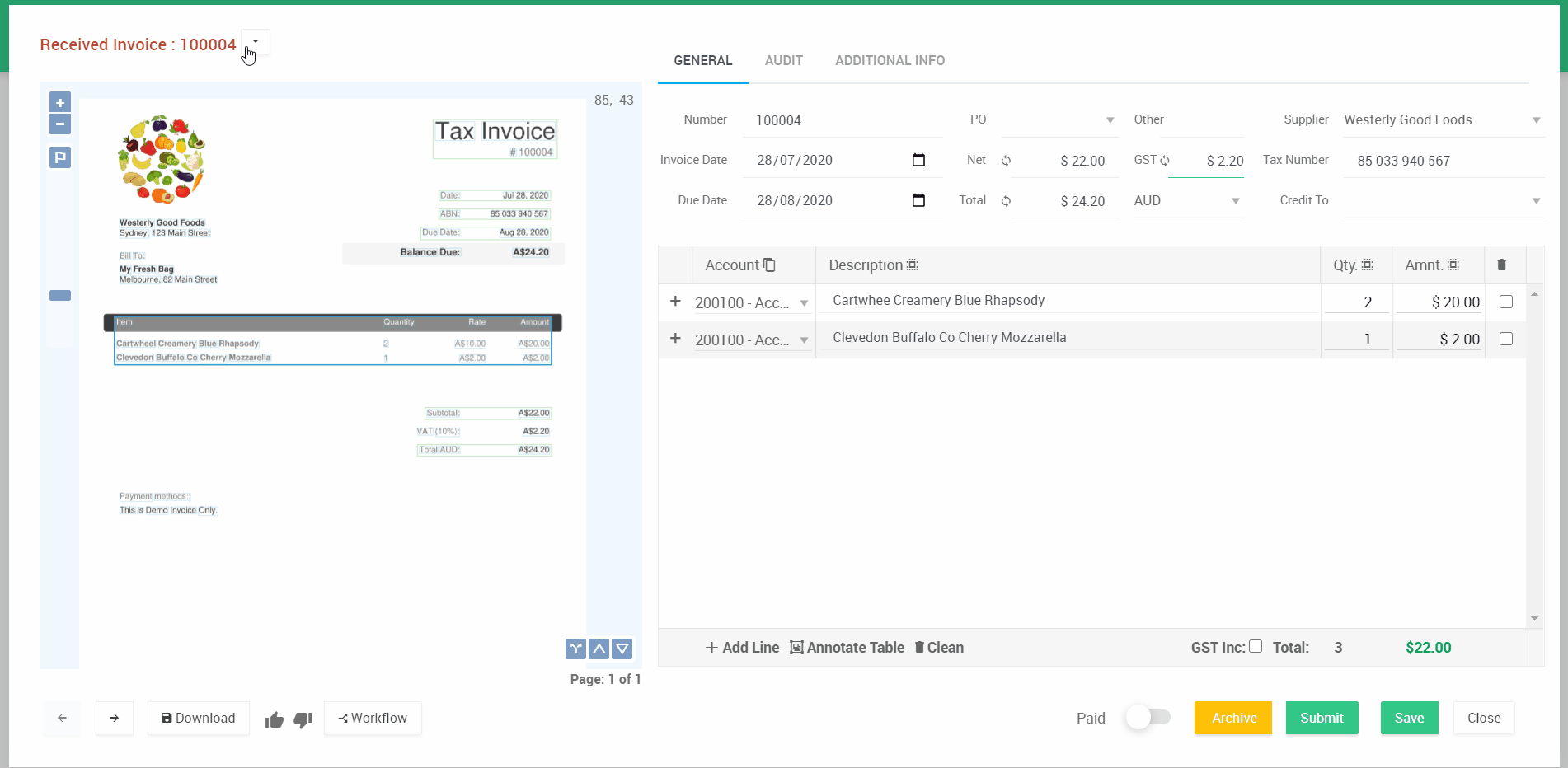
- Open one of the invoices. Next to the invoice number and status, you will see an option to Review Invoice Duplicate.
- Click Review Invoice Duplicate to open the suspected duplicate in a new tab, where you can compare the invoice details.
- If the second invoice is confirmed as a duplicate, click Archive to remove it from your workflow.
Important: We recommend reviewing duplicates thoroughly. If this is a genuine duplicate, click the archive button to avoid double payment when exporting to your system.
You should also be taking other precautions to prevent duplicated payments.