
Expense Roles in Ocerra
We have introduced two new roles in Ocerra to support the Expense Claims feature:
- Expense User
- Expense Approver
These roles control what users can do within the Expense module and ensure clear separation between submitting and approving expenses.
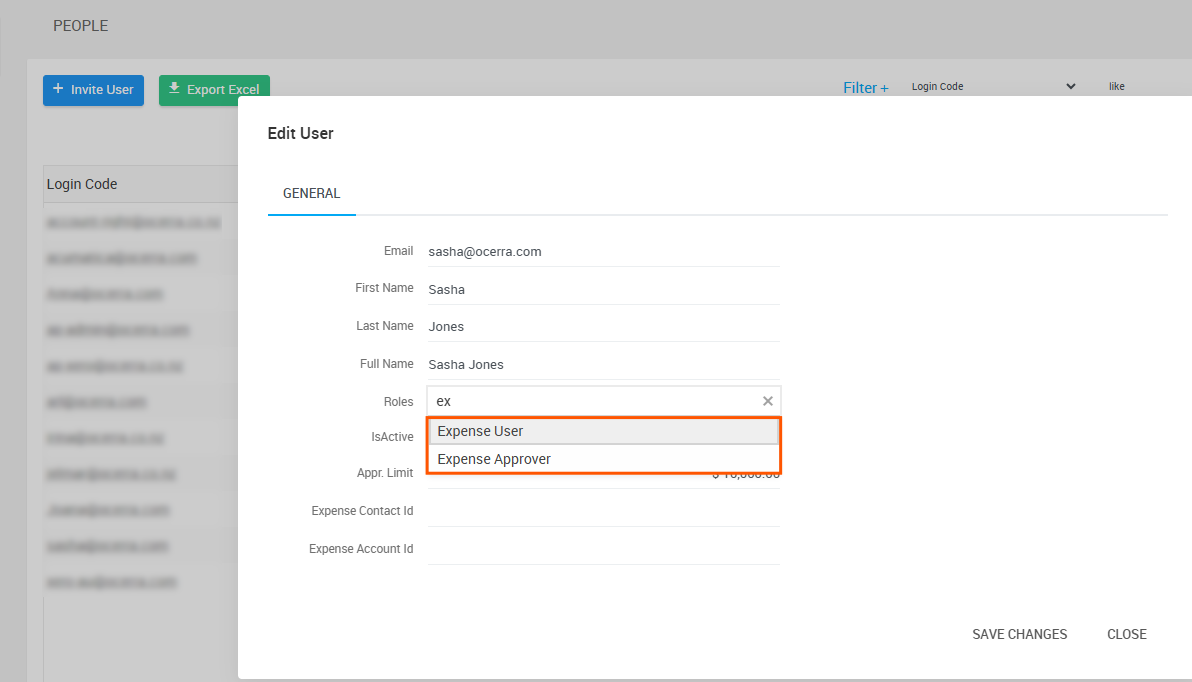
Expense User
The Expense User role is designed for employees who need to submit expenses for reimbursement.
Users with this role can:
- Upload receipts and invoices
- Create expense claims
- Submit expense claims for approval
- View their expense claims
Typical examples include employees claiming travel, meals, accommodation, parking, or other business-related expenses paid personally.
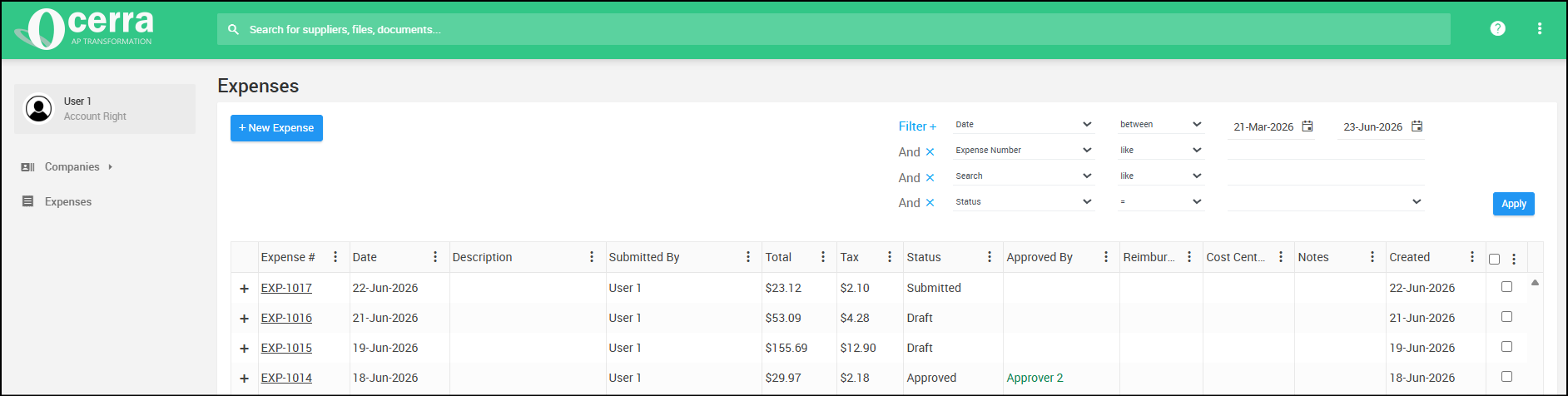
Expense Approver
The Expense Approver role is designed for users responsible for reviewing and approving employee expense claims.
Users with this role can:
- Review submitted expense claims
- Approve or decline expense claims
- Mark expense claims as reimbursed
Expense claims follow the same workflow and approval process as invoices and can be routed to Expense Approvers, Accountants, Managers or other workflow participants.
