
Use the User List to view and manage users in Ocerra, including access, roles, and user status.
How to Access the User List
- Go to Settings
- Select Users
The User List will display all users added to your account.
What You Can Do from the User List
From the User List, you can:
- Add new users
- Edit existing users
- Disable users
- Set approval limit
- Add user roles
- Check which users are active or inactive
Important Notes
- Once a user has been deactivated, the account cannot be re-activated.
- Users with an @ocerra.com email address cannot be edited. These accounts are used by Ocerra for training and troubleshooting purposes.
Exporting the User List
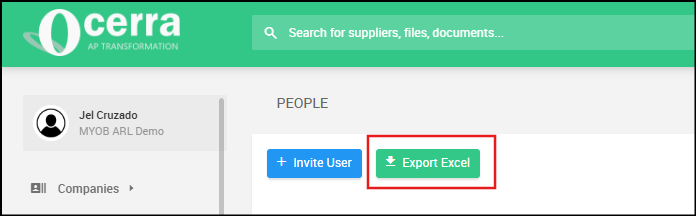
You can export the User List to Excel for reporting or review purposes.

Filtering Users by Status
Use the status filter to quickly view:
- Active users
- Inactive users
This can help when reviewing user access or checking inactive accounts.