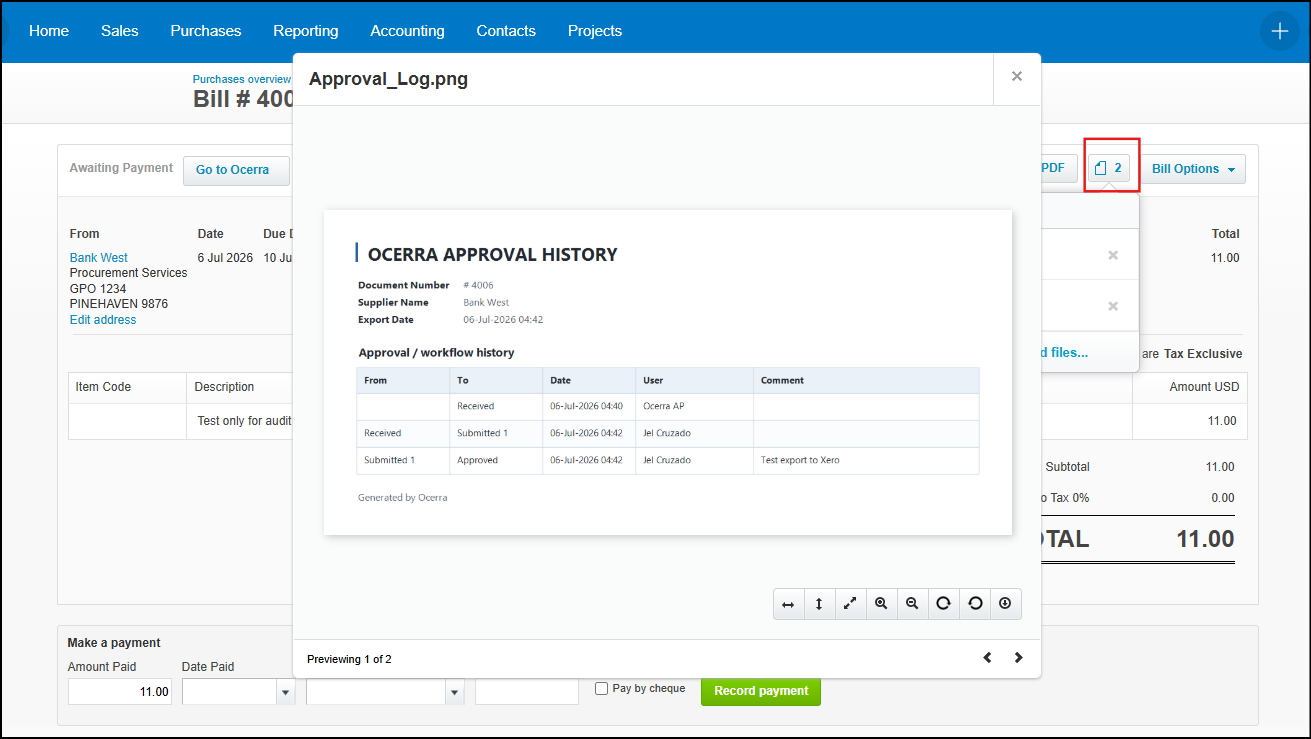
If you are using invoice approvals in Ocerra, you can export workflow logs to Xero to maintain a complete audit trail within your accounting system.
Enabling Workflow Log Export
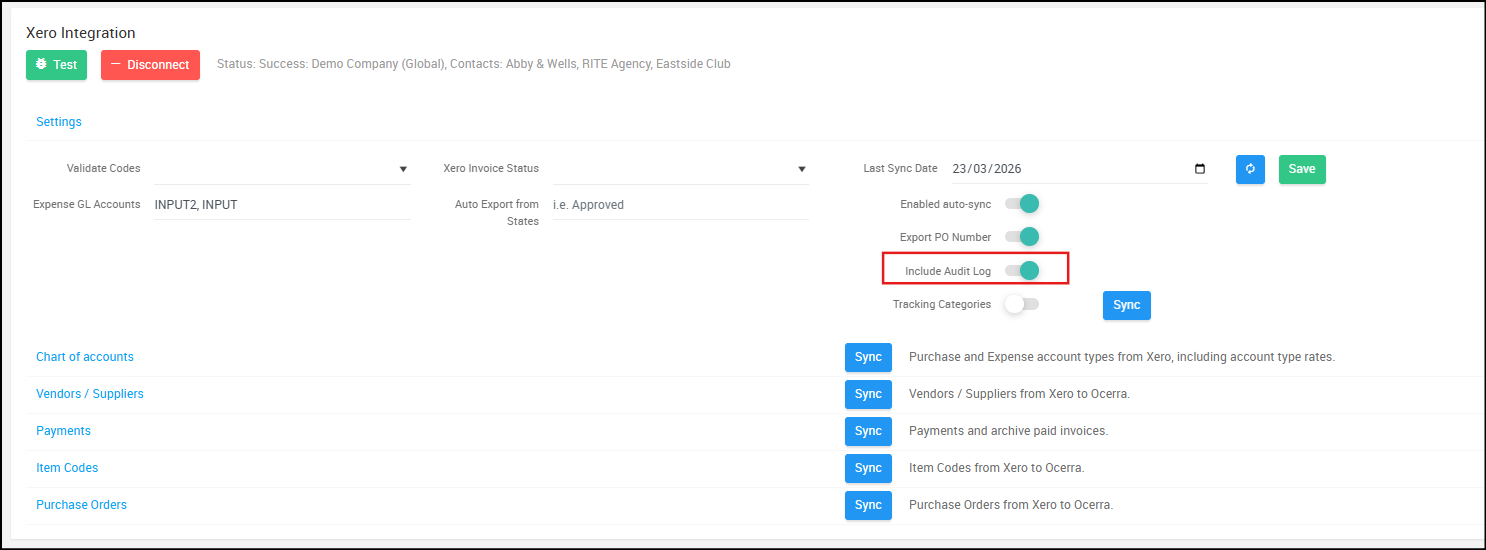
- Navigate to Settings > Xero Integrations.
- In the Integrations, enable or toggle the “Include Audit Log” switch.
- Click Save to apply the changes.
When enabled, the approval log is included as PNG format along with the invoice PDF or copy for each exported invoice or credit note. This log contains essential approval details such as approvers and timestamps, enhancing visibility and supporting audit tracking directly within Xero.
How It Appears in Xero
The approval log is attached as image to the corresponding invoice or credit note: