Overview
- Learn how to manage Xero Purchase Orders (POs) in Ocerra, including how POs are imported, matched to invoices, exported, and converted into bills in Xero.
When using Xero Purchase Orders with Ocerra:
Purchase Orders are created and managed in Xero.
Purchase Orders are automatically synced to Ocerra through the integration.
You can also manually sync Purchase Orders at any time by clicking the Sync button in Ocerra.
Once synced, Purchase Orders can be matched to invoices and processed within Ocerra before being exported to Xero.
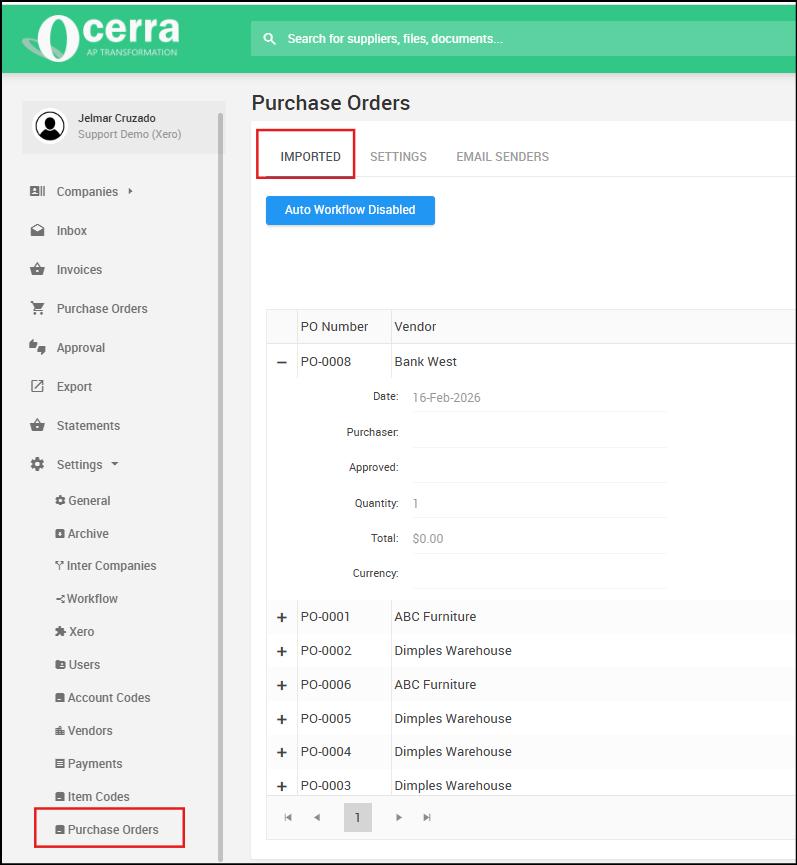
Locating Imported POs:
Once imported, navigate to Settings > Purchase Orders to access your imported POs.
Matching Purchase Orders:
Ocerra syncs PO from Xero, so you can compare it with a received supplier invoice line by line.
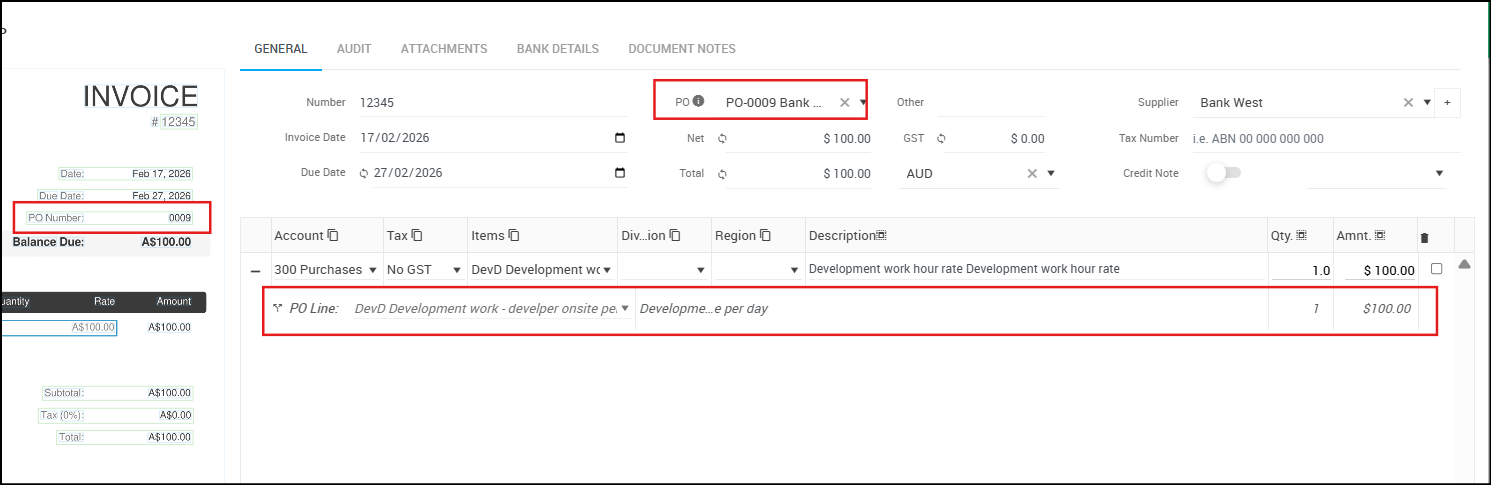
For more details on matching Purchase Orders, refer to our support article:
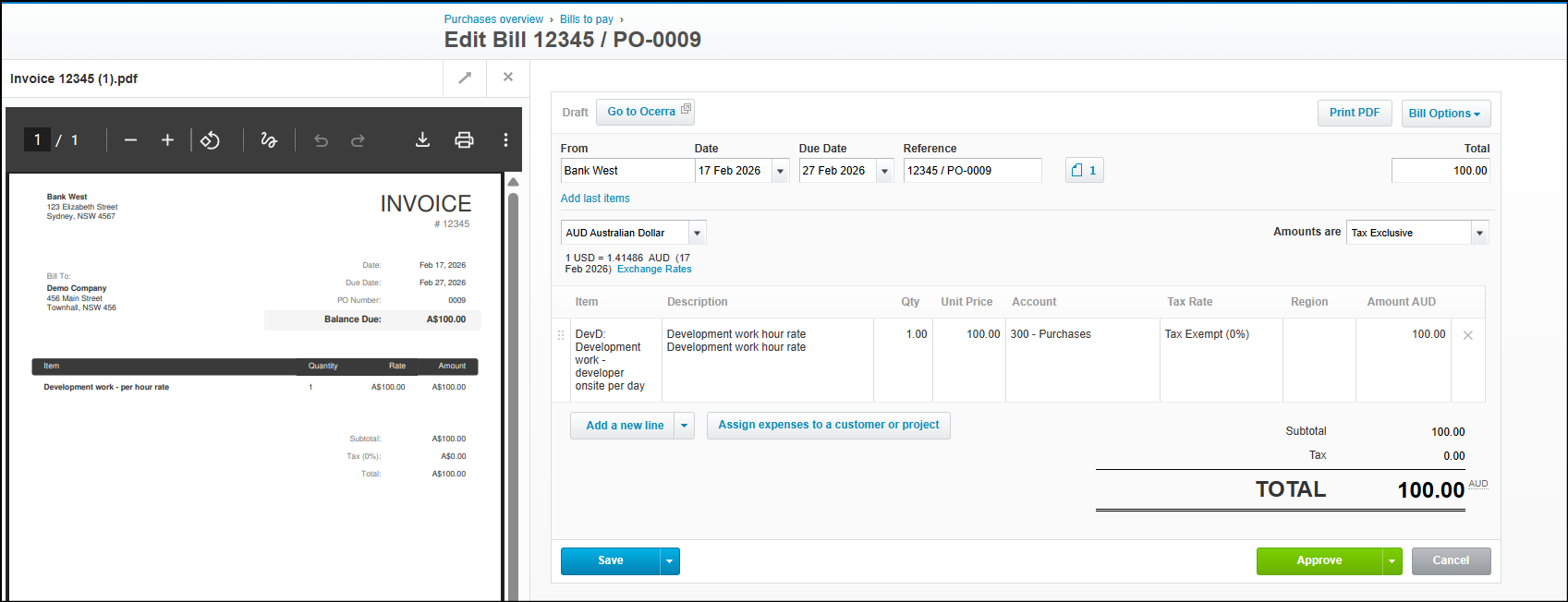
Exported Purchase Order to Xero
Information coded on the bill in Ocerra, including the account and tax will be exported to Xero with the corresponding PO number.