
In Ocerra, you can set the number of digits allowed after the decimal point for quantities. This setting ensures consistency and accuracy when processing invoices and purchase orders.
Key Points
The decimal precision applies to quantity fields only.
You can configure it to allow 1 to 4 digits after the decimal point.
This helps align invoice data with your accounting or ERP system requirements.
Example
1 digit: 12.3
2 digits: 12.34
3 digits: 12.345
4 digits: 12.3456
How to Set It Up
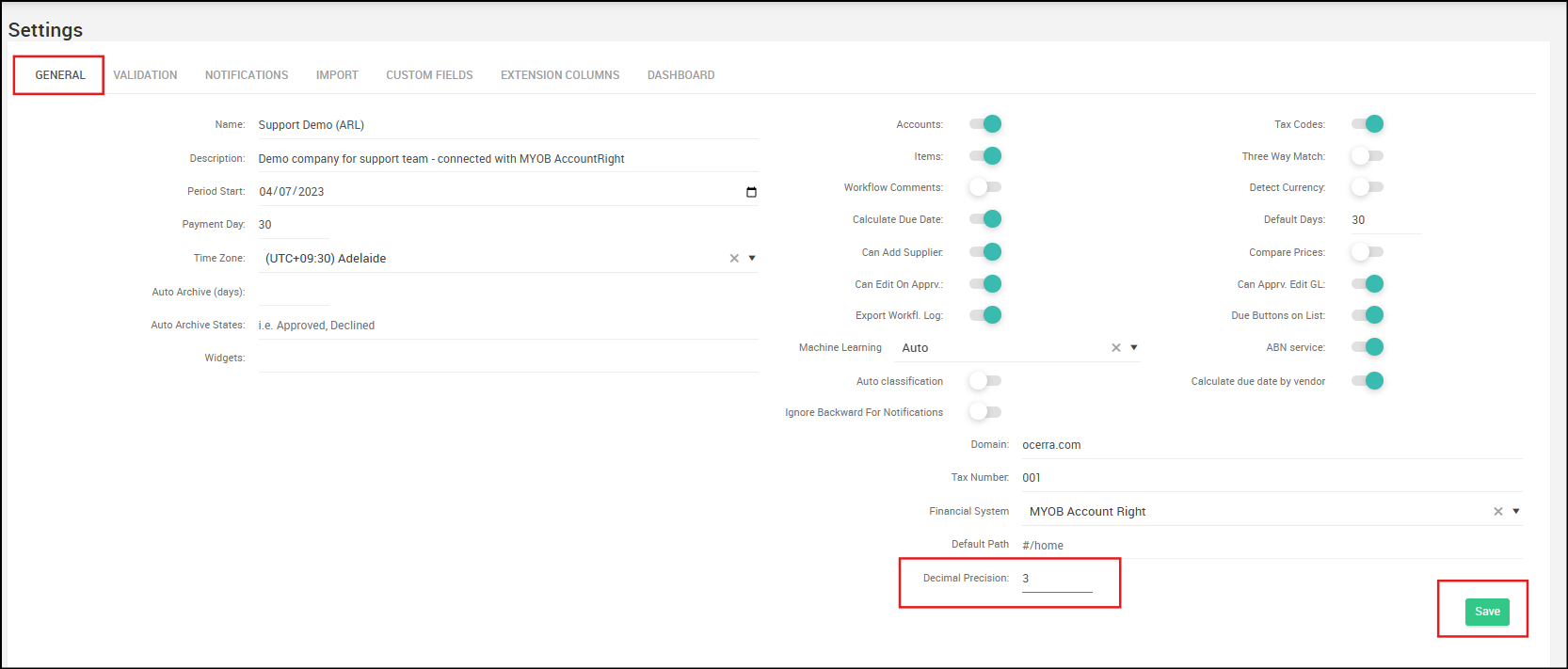
- Go to Settings
- Navigate to the General tab
- Locate the Decimal Precision field
- Use the up/down arrows or manually enter your preferred number of decimal places
- Click Save to apply your changes
Why It Matters
Some industries (e.g., fuel, chemicals, or manufacturing) may require higher decimal precision for accurate reporting, while others only need whole numbers or minimal decimals. Setting this correctly ensures smooth data exports and reduces reconciliation issues.